Click to download now, finish the installation quickly, and directly unlock the all-round experience
Screenshots
Click to download now, finish the installation quickly, and directly unlock the all-round experience
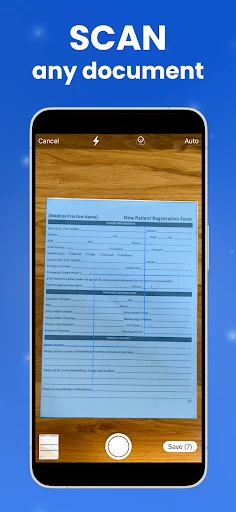
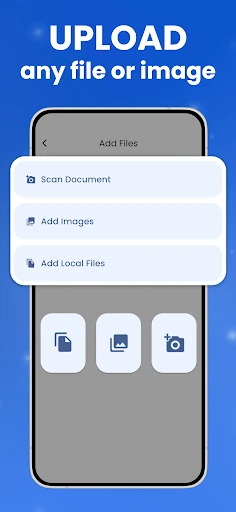
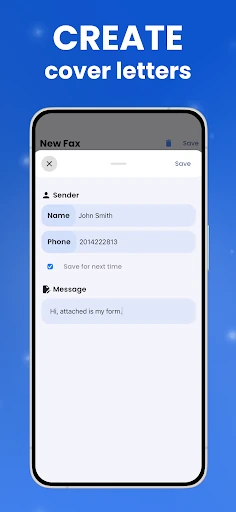
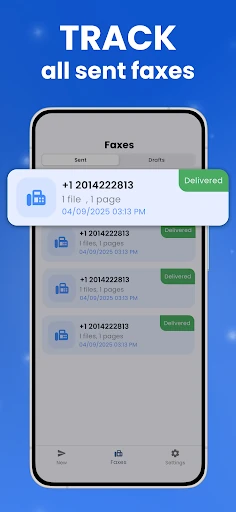
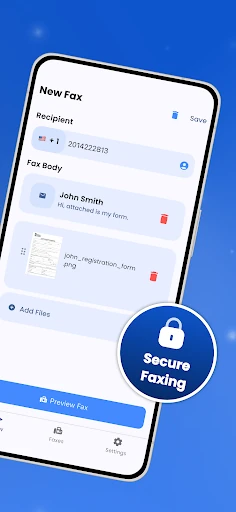
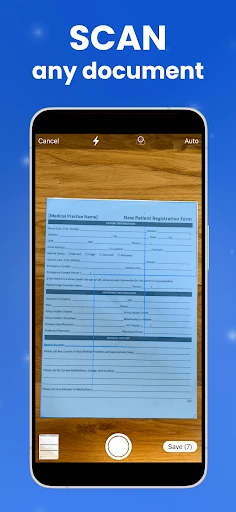
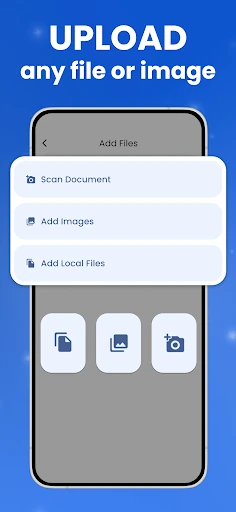
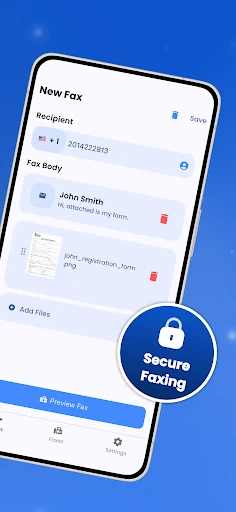
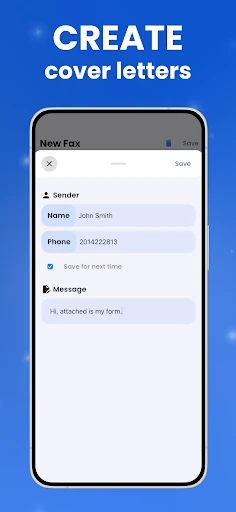
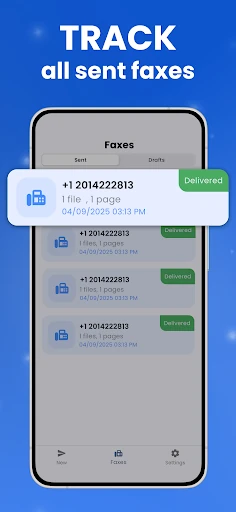
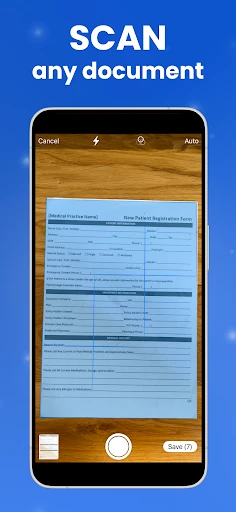
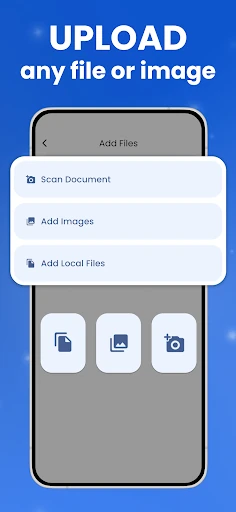
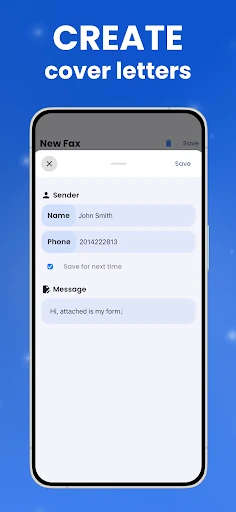
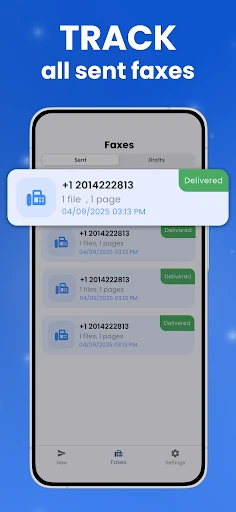
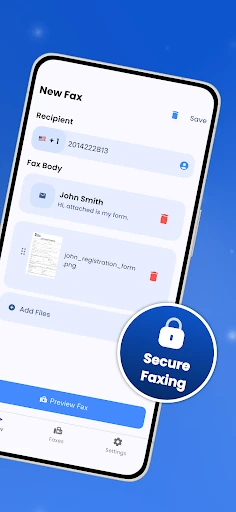
FaxFlow - Send Fax from Phone lets you send business documents as faxes from an Android phone. You can use a document already stored on the device, select files from Google Drive, or scan paper documents with the phone camera before sending them. The app is aimed at people who still need faxing for work, including users handling legal, medical, property, or administrative paperwork.
The app supports common document and image formats such as PDF, JPG, and PNG. Its scanner can detect the edges of a page and correct the view before the document is prepared for transmission. FaxFlow also provides a dedicated fax number, allowing incoming faxes to arrive in the app instead of requiring a separate fax machine or landline.
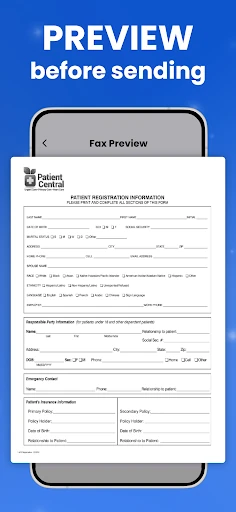
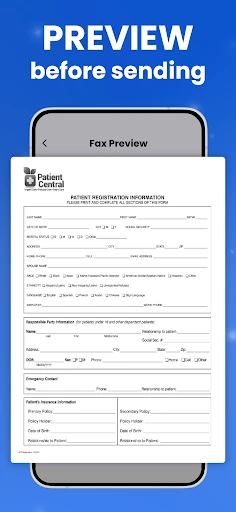
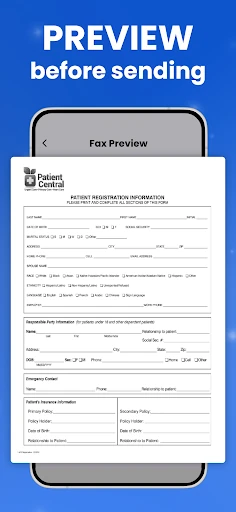
FaxFlow is designed for workflows where documents may contain sensitive business information. It uses encryption for incoming and outgoing transmissions. The phone camera still affects the quality of scanned pages, so clear lighting and a flat document can make a difference. The app replaces the fax hardware, but it does not remove the need to check that a document is readable before sending it.
Mobile Flow Ltd publishes FaxFlow in the Business category. It has a 4.69 out of 5 rating from 14,448 reviews and has recorded 50,000+ installs. Those figures suggest it is mainly used by people looking for phone-based fax sending and receiving rather than a general document scanner.